> For the complete documentation index, see [llms.txt](https://notes.cavementech.com/pentesting-quick-reference/llms.txt). Markdown versions of documentation pages are available by appending `.md` to page URLs; this page is available as [Markdown](https://notes.cavementech.com/pentesting-quick-reference/clearing-tracks.md).
# Clearing Tracks
## Linux
Clearing tracks on Linux.
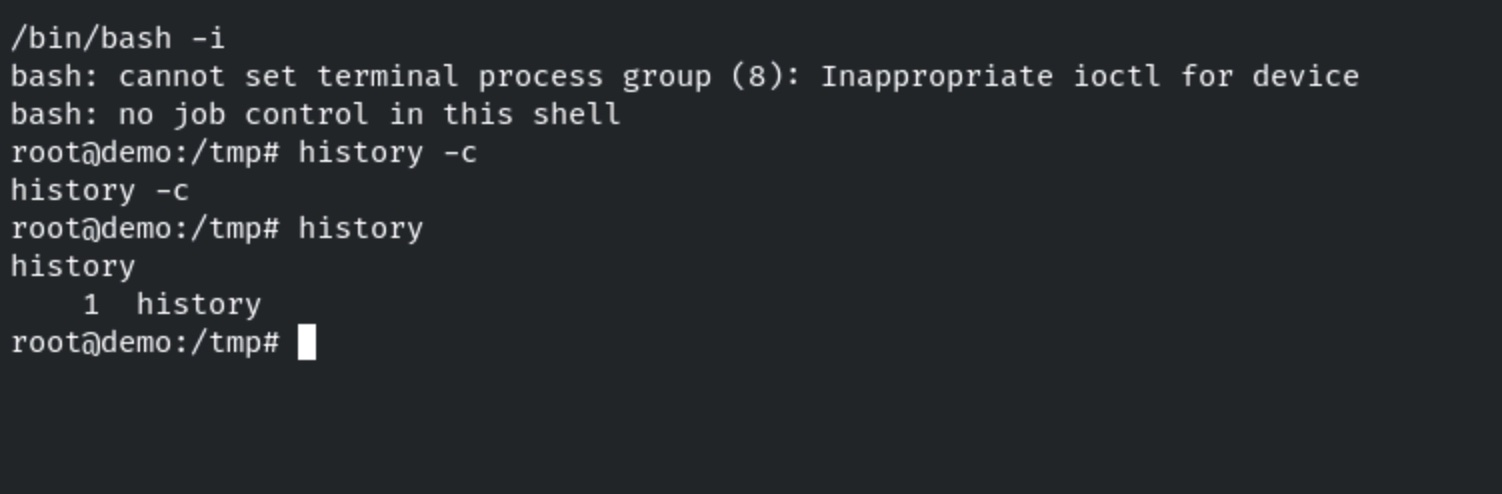
Whenever you successfully gain access to a Linux target, all of your activity is being logged in the form of bash history. We can clear the bash history by running the following command:
```
history -c
```
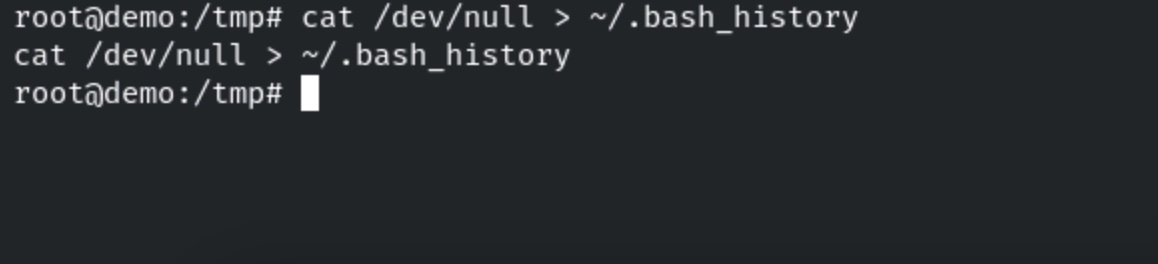
We can also clear the bash history by deleting the content of the .bash\_history file. This can be done by running the following command:
```
cat /dev/null > ~/.bash_history
```