> For the complete documentation index, see [llms.txt](https://notes.cavementech.com/pentesting-quick-reference/llms.txt). Markdown versions of documentation pages are available by appending `.md` to page URLs; this page is available as [Markdown](https://notes.cavementech.com/pentesting-quick-reference/scanning/metasploit-scanners.md).
# Metasploit scanners
### TCP port scanner
```
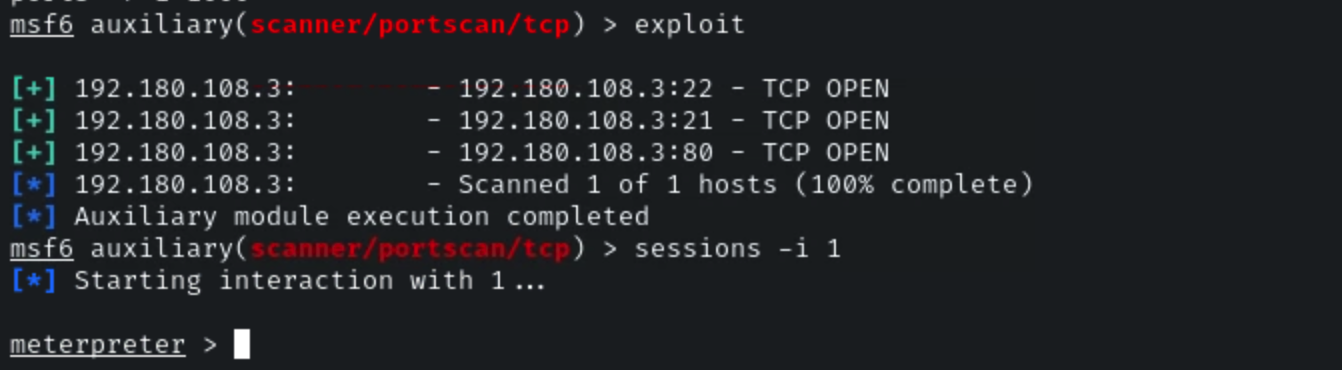
use auxiliary/scanner/portscan/tcp
set RHOSTS 192.180.108.3
set verbose false
set ports 1-1000
exploit
```
### Upload a Nmap Binary and use it to scan the target
Check the static binaries available in the "/usr/bin/" directory.
**Command:**
```
ls -al /root/static-binaries/nmap
file /root/static-binaries/nmap
```
**Step 1:** Background the Metasploit session and create a bash port scanning script.
Press CTRL+z to background the Metasploit session.
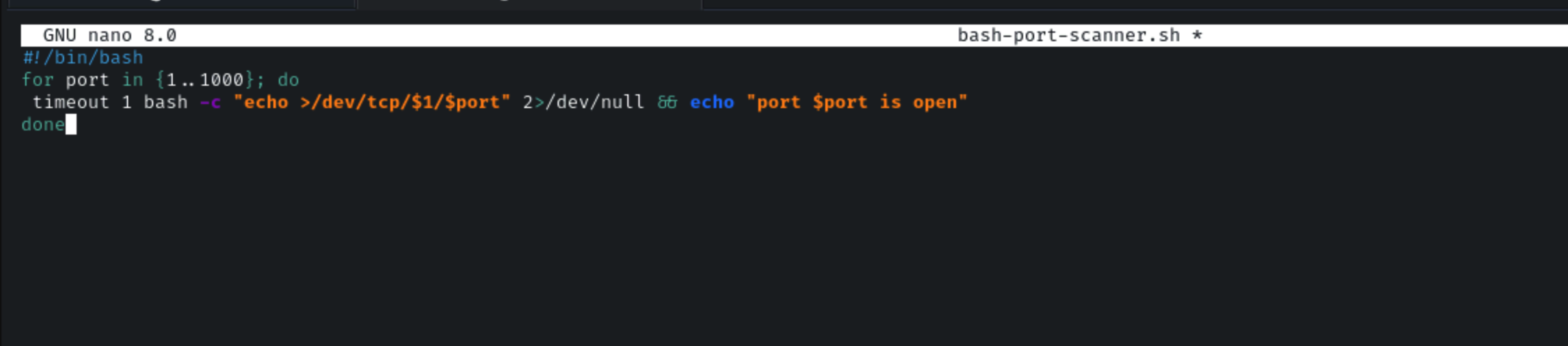
Using the script provided at \[] as a reference, create a bash script to scan the first 1000 ports
**Command:**
```
#!/bin/bash
for port in {1..1000}; do
timeout 1 bash -c "echo >/dev/tcp/$1/$port" 2>/dev/null && echo "port $port is open"
done
```
Save the script as bash-port-scanner.sh
**Step 2:** Foreground the Metasploit session and switch to the meterpreter session.
Press "fg" and press enter to foreground the Metasploit session.
**Command:**
```
sessions -i 1
```
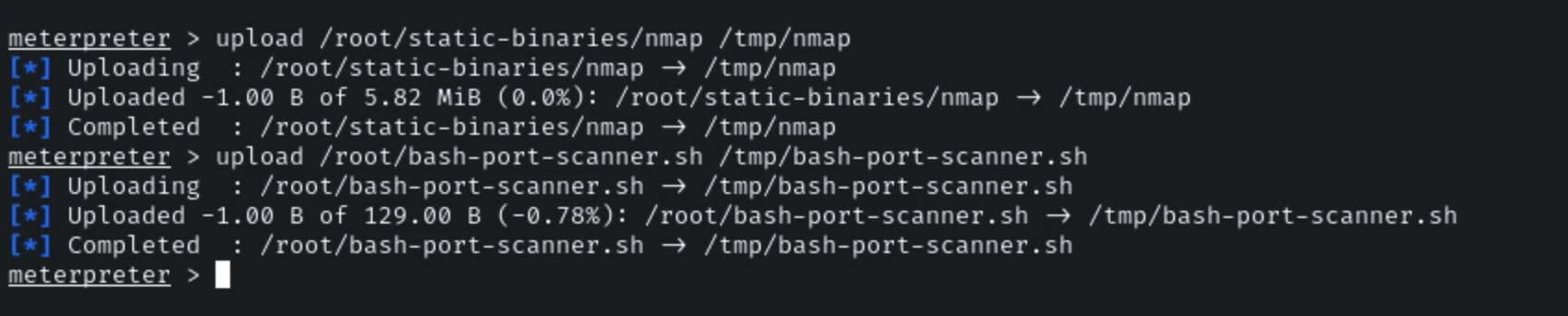
**Step 3:** Upload the nmap static binary and the bash port scanner script to the target machine.
**Command:**
```
upload /root/static-binaries/nmap /tmp/nmap
upload /root/bash-port-scanner.sh /tmp/bash-port-scanner.sh
```
**Step 4:** Make the binary and script executable and use the bash script to scan the second target machine.
**Command:**
```
shell
cd /tmp/
chmod +x ./nmap ./bash-port-scanner.sh
./bash-port-scanner.sh 192.180.108.3
```
Three ports are open on the target machine, ports 21, 22 and 80.
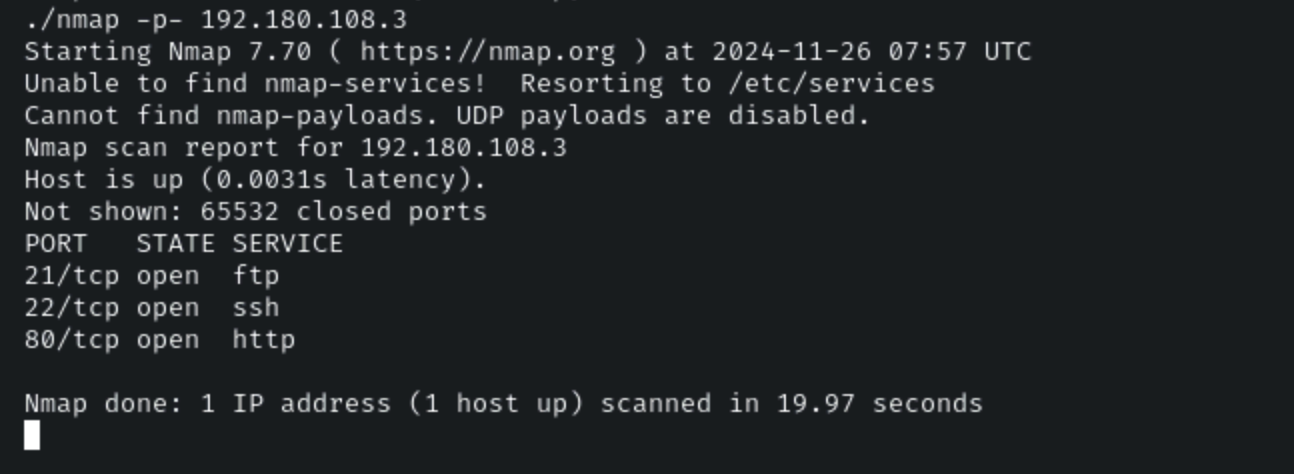
**Step 5:** Using the nmap binary, scan the target machine for open ports.
**Command:**
```
./nmap -p- 192.180.108.3
```
The services running on the target machine are FTP, SSH and HTTP.